
Devices & screens
Registers, customer displays, and kitchen screens.
One login, four kinds of screen
There is no separate hardware to buy and nothing to pair. Every screen in TableTurn is the same web app on the same login, opened at a different address – which is why any tablet, laptop or TV browser can become any of them.
The register – where orders are rung. The customer display – a second screen facing the guest. The kitchen display – one per station, or one for everything. The back office – the same login on a laptop, for the menu, reports and settings.
Add as many as you like. Three screens on a counter is three browser tabs, not three subscriptions.
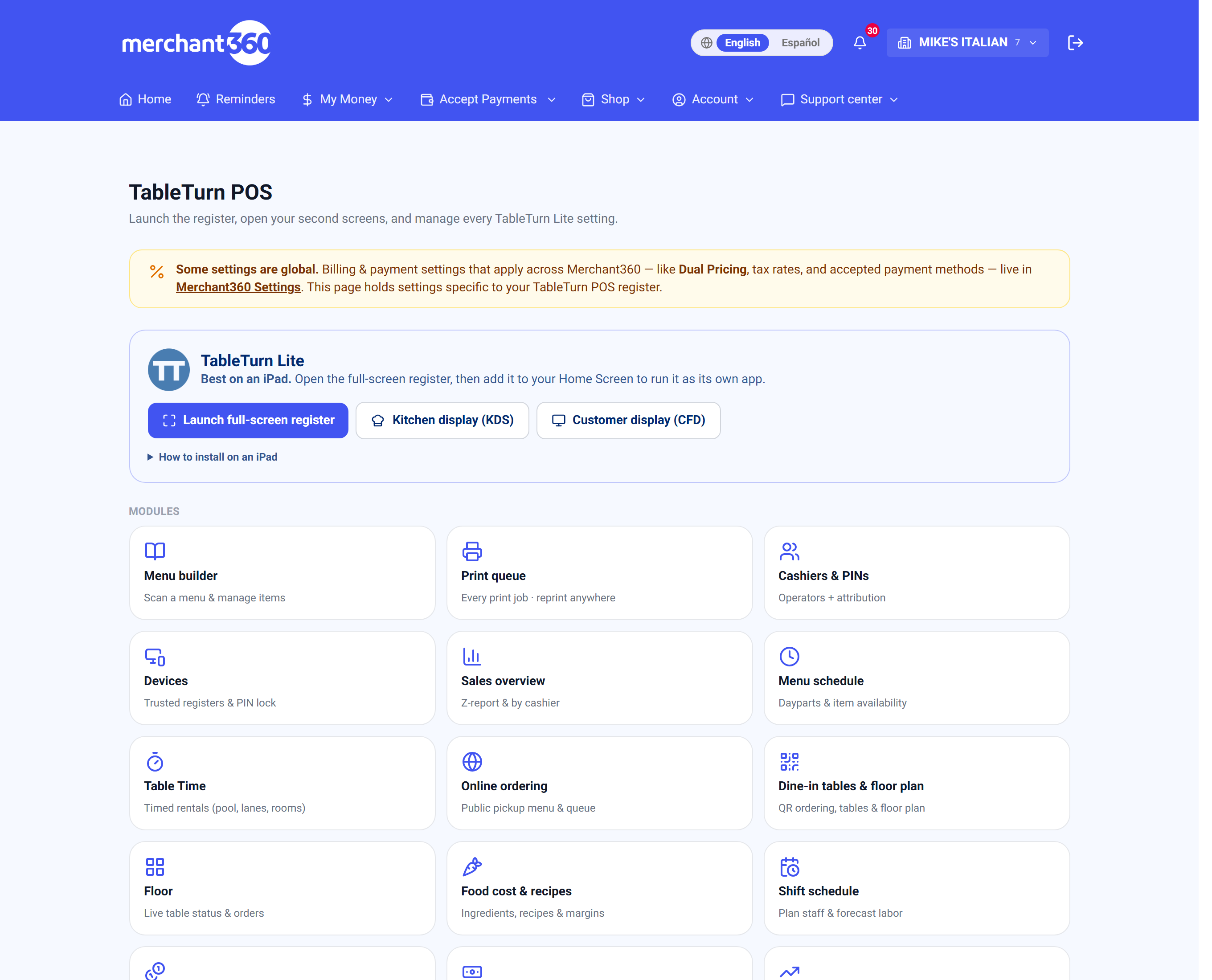
Because they're all the same login, the KDS and the display send you **back to the register** rather than out to the back office. Staff can't wander into your reporting from a kitchen screen.
Setting up a register
- 1Sign in on the device and open the register.
- 2Install it to the home screen. On Android, install TableTurn from the Google Play Store – it runs as a real app. On iPad, Safari's Share → Add to Home Screen; on a laptop, the install icon in Chrome or Edge's address bar.
- 3Launch it from that icon from then on. It runs full-screen with no address bar and no tabs.
- 4Set Button size in the register's Menu to suit the screen – Large or Compact, stored per device.
Do this on every device before your first shift. A register still showing browser tabs is the fastest way for someone to navigate away mid-order – and on iPad the installed app is the only way to get a genuinely chrome-less full screen.
Enrolling a device – staying signed in
A shift shouldn't involve logging in. Devices lets you enrol a tablet as a trusted station so the register stays signed in across the day.
Enrol this device by naming it – *Front register*, *Bar iPad*, *Patio handheld*. The list shows every enrolled device with when it was last active, and marks the one you're currently on.
Rename or remove any of them. Removing one signs it out as a station, and it has to be re-enrolled to be trusted again.
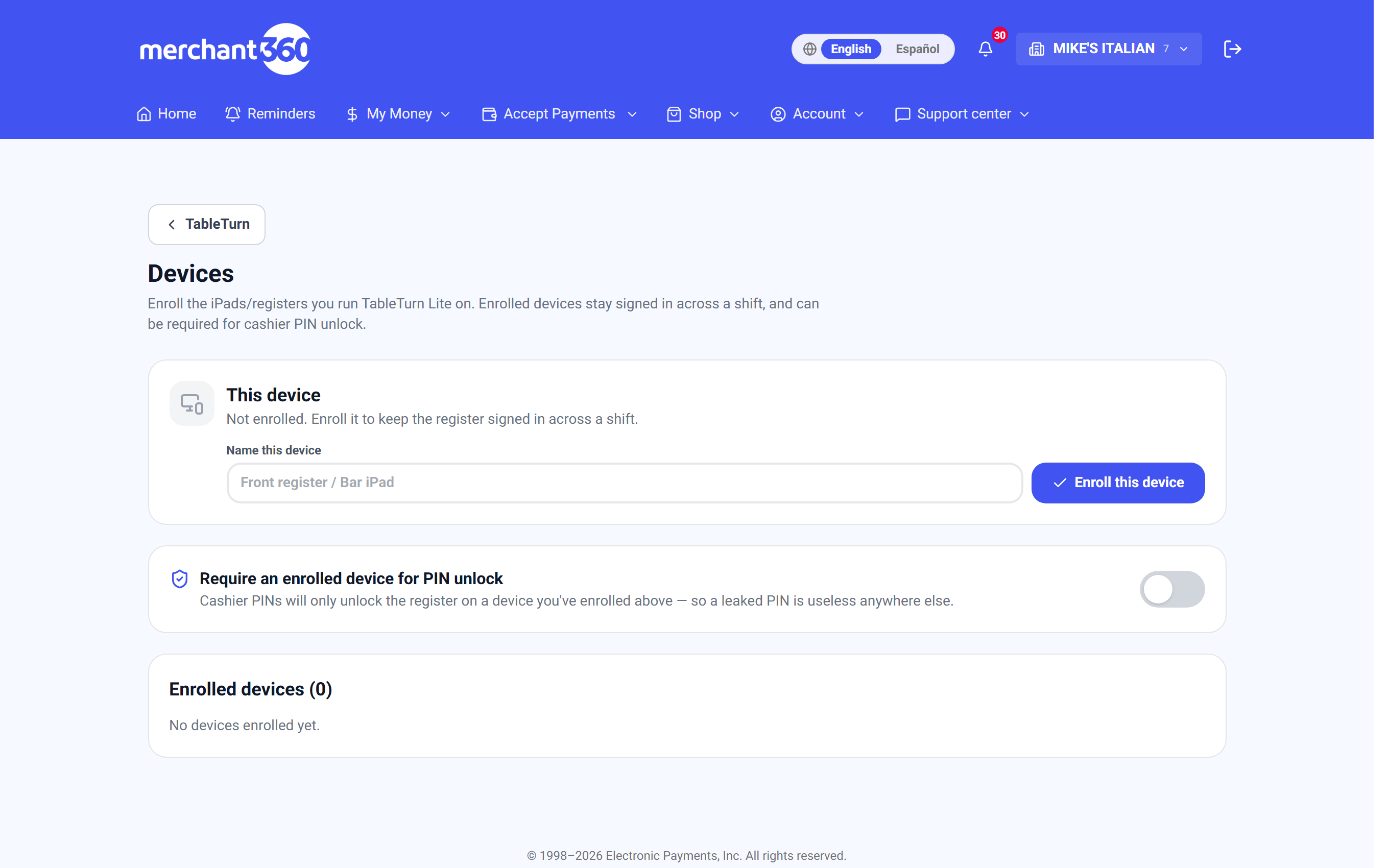
Locking PINs to devices you own
Require an enrolled device for PIN unlock is the setting worth understanding. With it on, a cashier PIN only opens the register on a device you've enrolled.
That turns a PIN from a secret into a secret *plus* a place. A PIN someone shoulder-surfs, or a member of staff passes on when they leave, is useless on any other tablet or on a phone at home.
The page warns you if you switch it on while the device you're standing at isn't enrolled – because that would lock your own counter out.
Turn this on if your staff PINs are short, shared, or written down anywhere. Leave it off if you regularly grab whatever tablet is free.
The customer-facing display
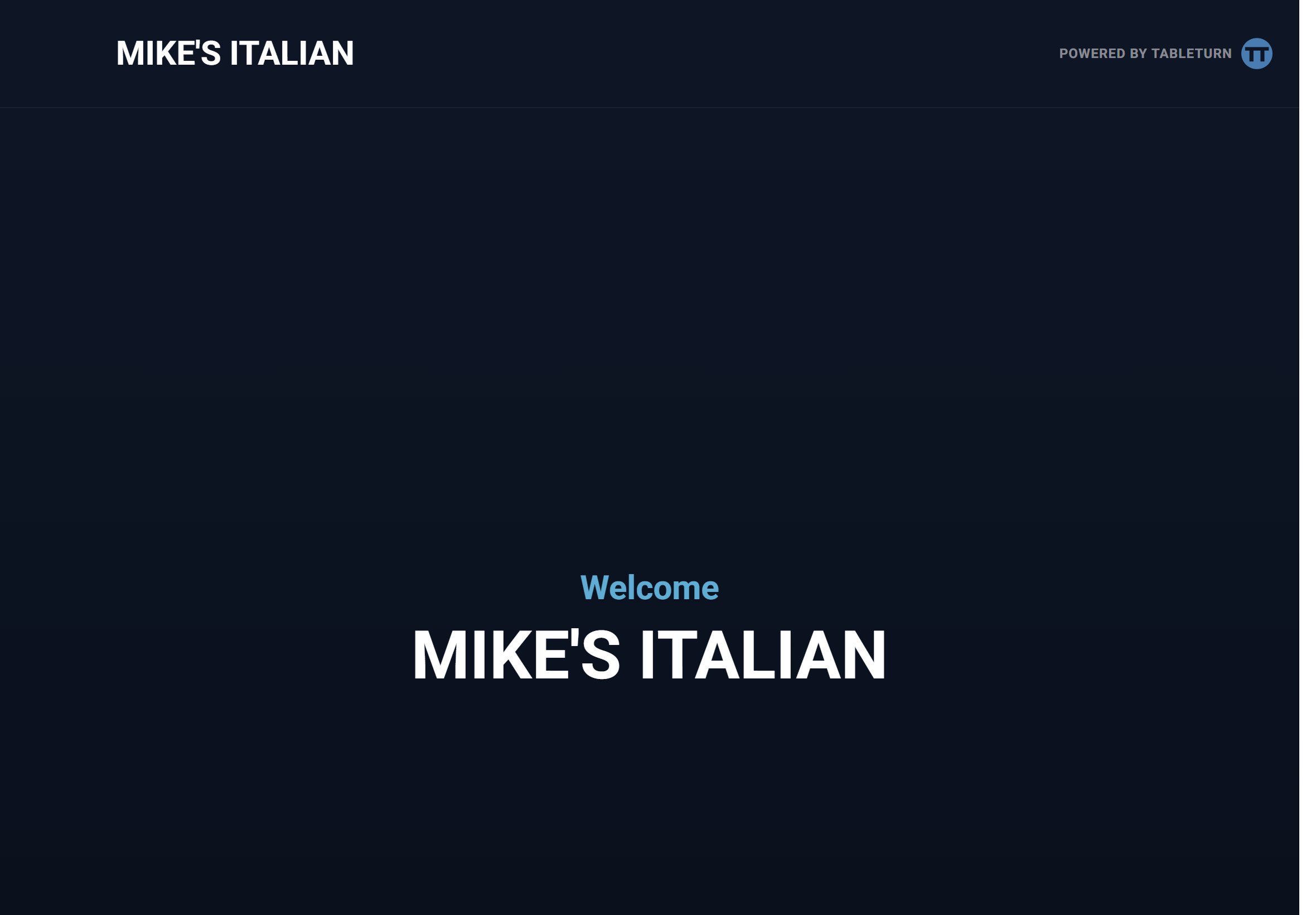
A second screen turned towards the guest, running from the same login. It follows the sale on its own – you never drive it directly.
Idle, it shows your logo, your welcome message and your name. While ringing, it mirrors the cart live: quantities, item names, modifiers underneath, and with dual pricing on, separate Card and Cash columns so the guest sees both prices as items land.
At payment it can ask for the tip, then the receipt, then a rating – each of which you can turn off independently.
What the guest can do on it
The display isn't only a mirror – the guest can act on it, which takes work off the counter.
Choose the tender. With the cart on screen they can tap Card or Cash, and the register starts that payment. Nobody has to ask.
Tip. Your presets appear as buttons, plus a custom keypad with $5 / $10 / $20 quick keys for a guest who wants a round number.
Round up for charity. If round-up is on they can toggle it themselves, rather than being asked out loud – which gets a truer answer.
Choose their receipt. Email, text, print or none, entered on their own screen instead of read out across a counter.
The tip screen is the reason to have one. A guest choosing a tip on their own screen, unwatched, tips more consistently than one being handed a slip while a queue builds behind them.
Kitchen screens
Any spare tablet or TV browser becomes a kitchen display. Open KDS from the register's top bar, pick the station it covers, and install it to the home screen so it runs as its own app.
One screen showing Expo (all) is enough for most kitchens. Splitting across per-station screens is a Pro feature – the Kitchen chapter covers the routing.
Card readers
Readers arrive configured – pairing isn't something you do. Once yours is connected, Charge at the register sends the amount to it.
If you run more than one and turn the picker on, a Terminal dropdown appears above the tenders. With a single reader, or a saved default, the register just uses it without asking.
The full-screen charging overlay names the terminal it sent to, which is what stops a guest presenting a card to the wrong machine on a two-till counter.
If the dropdown says **No terminals connected**, that's deliberate – the problem is shown rather than hidden. Check the reader's power and network, then hit the refresh arrow beside it.
Running more than one location
If your login carries several restaurants, tap the restaurant name beside the logo in the register's top bar to switch, or to add another.
With exactly one restaurant set up for TableTurn the register opens straight into it and never asks. With two or more you get a chooser first, so a device at one site can be pointed at the right one.
When a device misbehaves
It keeps asking me to log in. The device isn't enrolled. Enrol it under Devices.
A cashier PIN won't unlock this tablet. The enrolled-device rule is on and this device isn't enrolled – enrol it, or turn the rule off.
The display is stuck on the welcome screen. It polls the register every second or two; with no live cart there's nothing to mirror. Ring an item and watch it follow.
Buttons look oversized or cramped. That's Button size, and it's stored per device – change it on the device that looks wrong.
The session expired mid-shift. Open tables and unpaid checks live on the server, not the tablet. Sign back in and everything is where you left it.
Refreshing lost my cart. The in-progress cart is held in the device's memory, which is why the register asks before reloading when a sale is open. Saved tabs and open tables are never at risk.