
Online ordering
Your menu, on their phone – pickup or at the table.
What you get, and what it costs
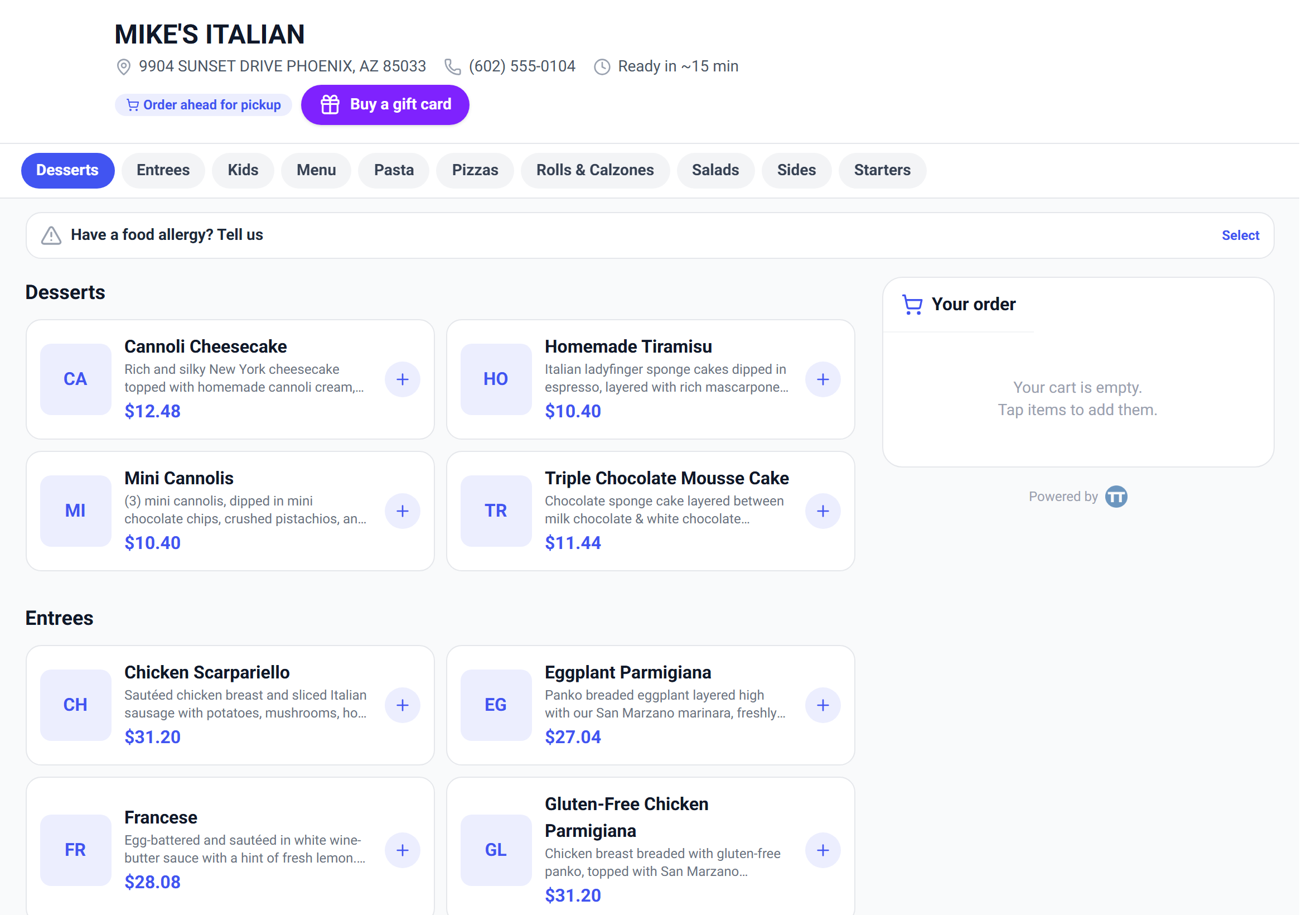
Online ordering gives you a public menu page of your own: guests browse it on their phone, build an order, pay by card, and the order lands in your kitchen. No commission, no marketplace, no third party between you and your customer.
It is free on every plan, including free Lite. There is no upgrade to unlock it.
The same page does two jobs. Shared as a link or a counter QR, it's takeaway ordering. Reached through a table QR, it's dine-in ordering, and the order arrives already tagged with the table.
Turning it on
- 1In settings under Online ordering, turn on Accept online orders.
- 2Your menu link appears immediately, with a Copy link button and a QR code you can print.
- 3Set your typical prep time in minutes. This is what drives the *"Ready by ~3:45 PM"* estimate on the guest's confirmation and receipt, so make it honest rather than optimistic.
- 4Write a pickup notice – one line the guest sees before ordering. *"Ready in ~15 min · pick up at the front counter"* does more work than it looks like.
- 5Put the link on your website and social profiles, and the QR on the counter.
Item **descriptions** and **photos** come straight from the menu builder, and this is where they earn their keep – at the register nobody reads them, but on a phone they're what sells the dish.
Letting guests order ahead
Let customers schedule pickup ahead adds an ASAP-or-later choice to the menu. You set how far ahead they can book, from 1 to 30 days.
Bookable times follow your menu dayparts, so guests can't order breakfast for 9pm. With no dayparts set it falls back to 11:00 AM–10:00 PM.
Scheduled orders don't sit on your screen all day. They auto-fire to the kitchen at pickup time minus your prep time, so a noon pickup with a 15-minute prep appears at 11:45. Nobody has to watch a clock.
Prep time does double duty here – it sets the guest's expectation *and* the moment the kitchen sees the ticket. Get it wrong and both drift together.
Working the queue
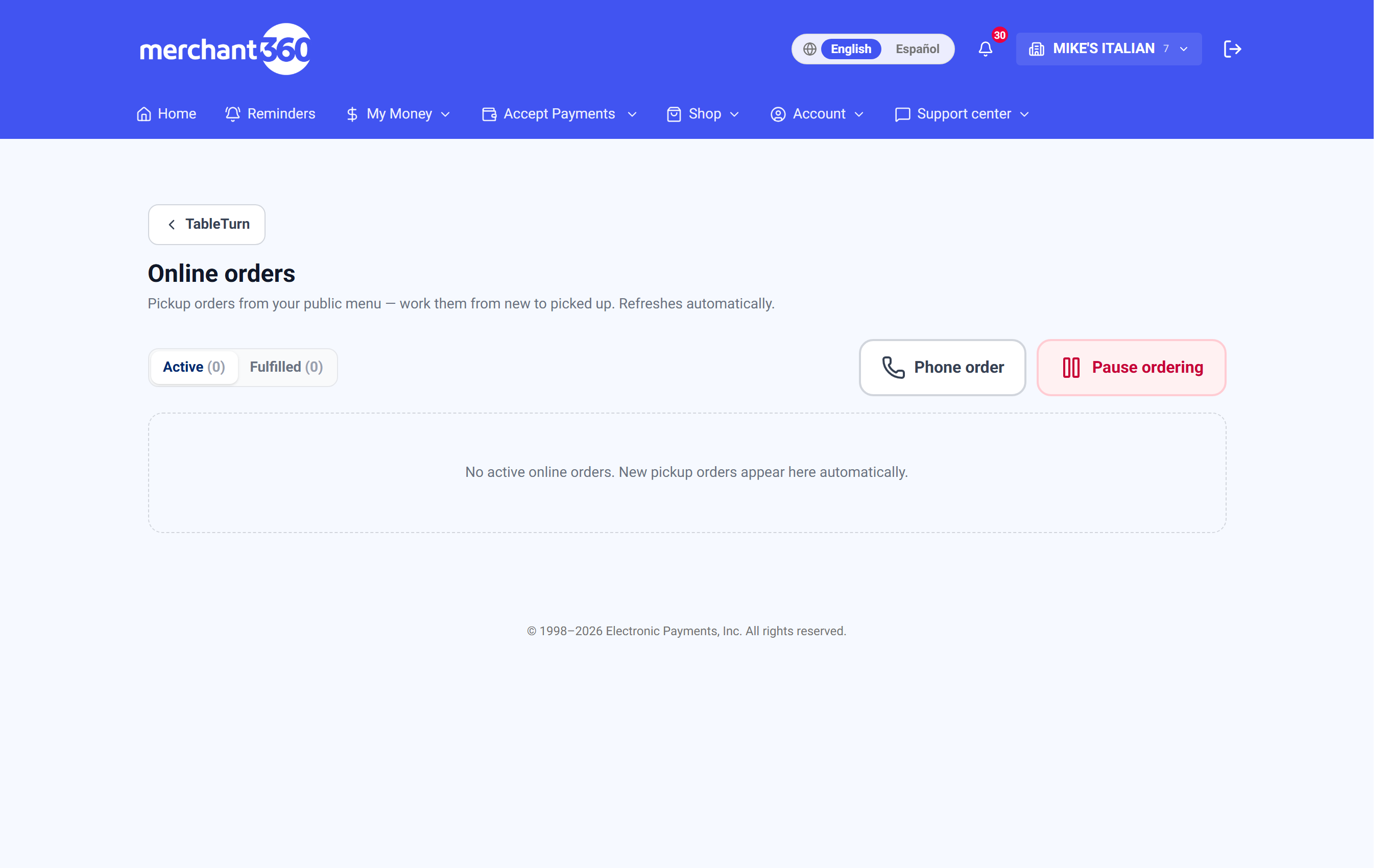
Online orders in the register's top bar is the queue, badged with how many are waiting. It refreshes on its own.
Orders move New → Preparing → Ready → Picked up, with a big button to advance and a small arrow to bump back. Active and Fulfilled tabs split what's live from what's done.
Each order shows its total and how it was paid: paid ····4242, or collect at pickup in red when it wasn't. That red is the line to read before handing food over.
Getting orders to the kitchen
Auto-send online & phone orders to the Kitchen Display decides the flow, and the two options suit genuinely different kitchens.
On – every order hits the KDS the moment it arrives. Fastest, and right for a kitchen that can absorb whatever comes.
Off – orders wait in the queue until someone taps Send to KDS on each one. Slower, but it puts a human between the internet and your line, which is what you want on a Friday night or when you're short-staffed.
Once sent, the order shows On KDS so nobody sends it twice.
The queue itself can become a kitchen display. Turn on **Kitchen display (KDS) layout** and it switches from status columns to a grid of ticket cards with one Bump button – useful if the queue *is* your kitchen screen.
Keeping the guest informed
Three notifications, each switchable, sent by email and by text to guests who opted in.
Order confirmed – the receipt and tracking link right after they pay. Most restaurants leave this on.
Preparing – an optional ping when the kitchen starts. Off by default, because a mid-prep message is noise for most operations.
Ready for pickup – the one that actually saves you phone calls and counter loitering.
Phone orders
Phone order in the queue opens a builder so you can take an order over the phone without tying up the register: pick items and modifiers, add the customer's name, save it.
It joins the same queue as web orders, marked Phone, and follows the same statuses and notifications. If the customer has a card on file you can Charge it from the queue; otherwise it sits as collect-at-pickup.
Ordering from the table
A table QR points at the same menu but carries the table with it, so a dine-in order arrives already labelled – it shows the table on the ticket, on the KDS, and on your floor.
That's the difference between a guest ordering from their phone and a runner having to ask who ordered the calamari. Table QRs are created and printed on the Dine-in tables & floor plan page; the Floor plan chapter covers them.
When you need to stop, cancel or refund
Pause ordering stops new orders arriving without switching the feature off or taking your menu down. It's the right button when the kitchen is buried, a supplier didn't turn up, or you're closing early.
86 an item and it disappears from the online menu immediately – the same 86 you use at the register. Guests can't order what you haven't got.
Cancelling an order asks you to confirm and, when it was paid online, refunds it in the same step. A cancelled paid order shows Refunded, so there's no separate refund to remember.
Pause rather than disable. Disabling takes the menu page down entirely; pausing leaves it up so people can still see what you serve and when you're back.
When orders don't arrive
Nothing in the queue. Check ordering isn't paused, and that the link you shared is the current one from settings.
Orders in the queue but not in the kitchen. Auto-send is off – they're waiting for someone to tap Send to KDS. That's a setting, not a fault.
Guests say the menu is empty. Items are probably outside their daypart. The online menu hides off-schedule items rather than dimming them, which is the opposite of the register.
No confirmation email. Check the notification toggles, and that the guest actually entered an address – texts only go to guests who opted in.
A scheduled order appeared late. It fires at pickup time minus prep, by design. If it's consistently too tight, your prep time is set too low.